



UPC 💻 AI Coding Level 4 – Thursday 19:00 – 20:00 – Sep 2026
Eligibility: For HKUST alumni/staff families who can join HKUST UPC.
This course is offered for HKUST UPC members. If you are HKUST staff or alumni and are not currently a UPC member, you may apply/renew here:
https://upc.hk/membership.
Held at HKUST campus
Course Schedule
| Session | Date | Day | Time (HK) |
|---|---|---|---|
| 1 | Sep 17, 2026 | Thursday | 19:00–20:00 |
| 2 | Sep 24, 2026 | Thursday | 19:00–20:00 |
| 3 | Oct 8, 2026 | Thursday | 19:00–20:00 |
| 4 | Oct 15, 2026 | Thursday | 19:00–20:00 |
| 5 | Oct 22, 2026 | Thursday | 19:00–20:00 |
| 6 | Nov 5, 2026 | Thursday | 19:00–20:00 |
| 7 | Nov 12, 2026 | Thursday | 19:00–20:00 |
| 8 | Nov 19, 2026 | Thursday | 19:00–20:00 |
Course Overview
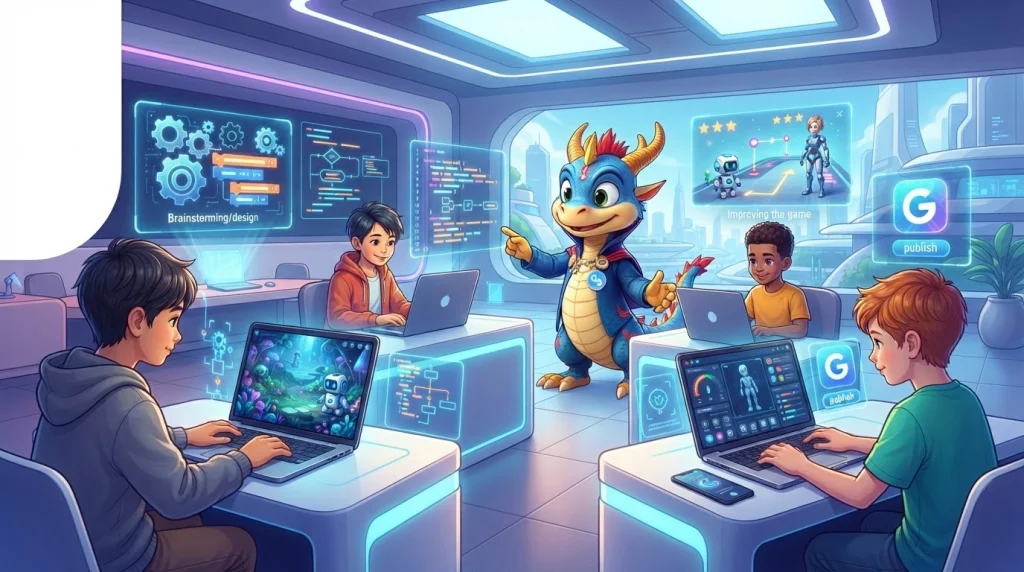
Level 4 is an advanced AI coding and digital creation workshop for students who are ready to work more independently on a laptop and take their ideas from concept to polished digital project.
Students will use AI-assisted coding workflows, also known as “vibe coding,” to design and build interactive games and creative applications. They will learn how to guide AI coding assistants, understand and improve generated code, test their projects, fix bugs, and make thoughtful design decisions.
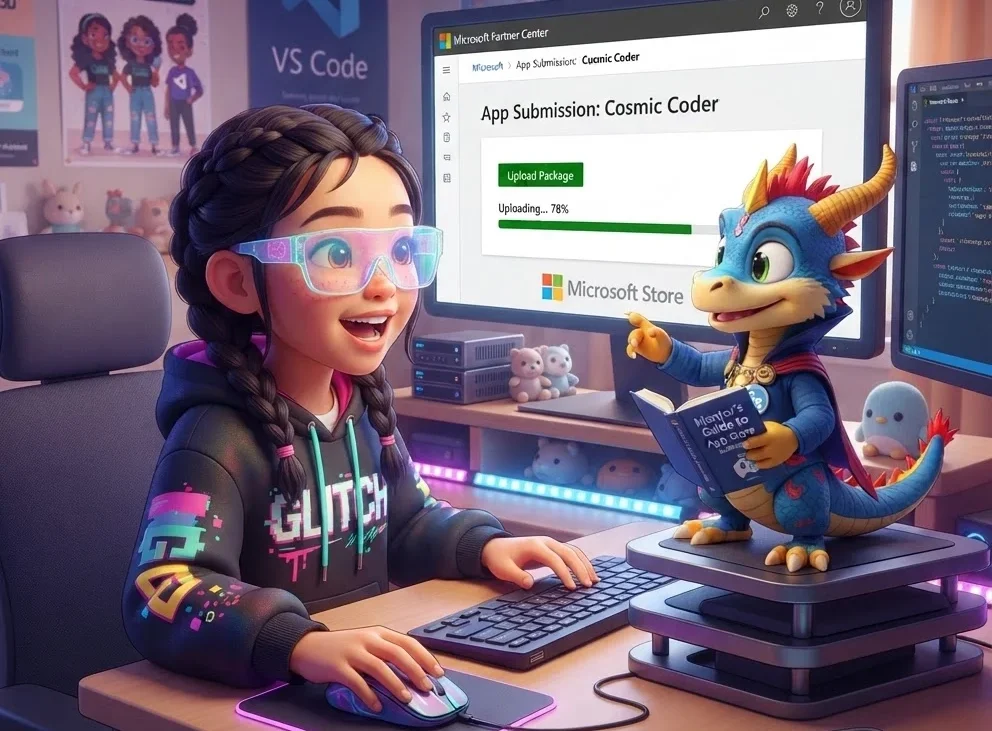
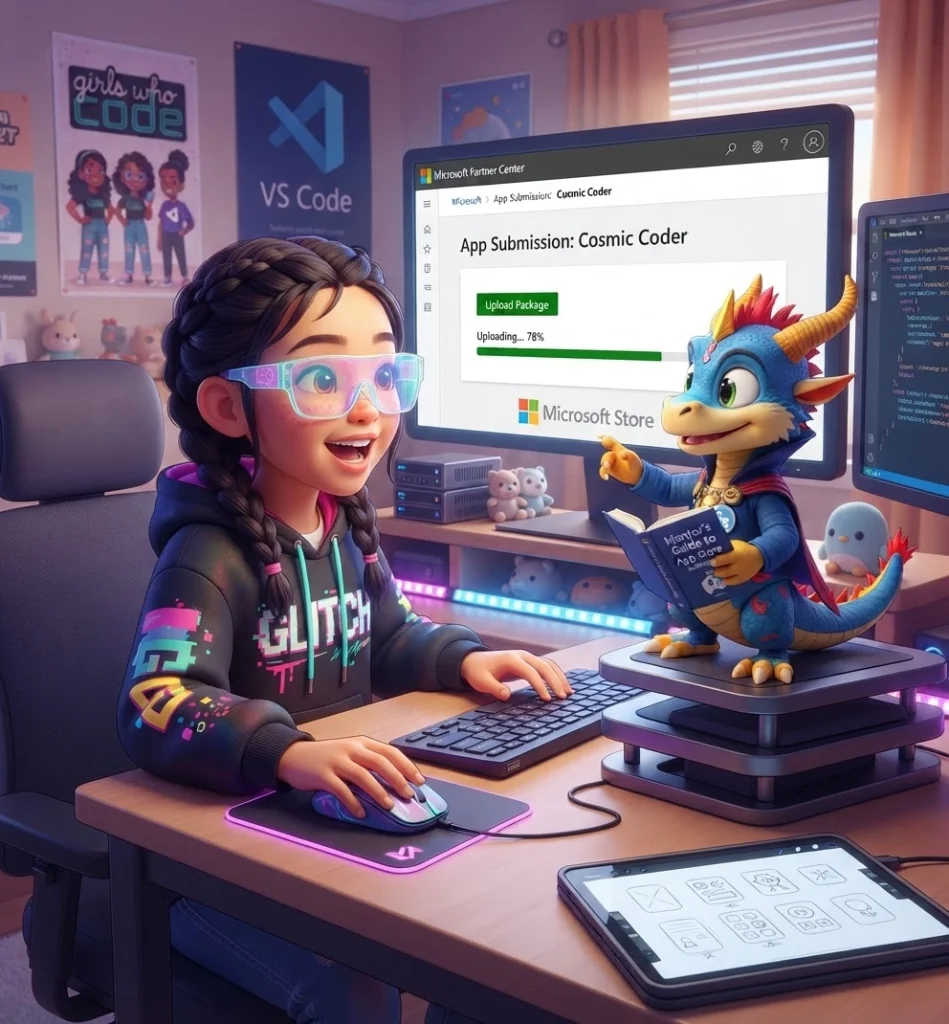
The course focuses on the complete project journey: developing an idea, creating a playable prototype, improving the user experience, preparing a polished final version, and exploring how digital projects can be prepared for publishing. Students will also receive an introduction to the Microsoft Store and learn what it means to become a Microsoft Store app developer.
Throughout the course, students will build confidence in independent problem-solving, iterative design, responsible use of AI tools, and presenting their work to others. By the end of the program, each student will have developed and refined an interactive digital project suitable for demonstration and further development.
Learning Outcomes 🎯
By the end of this advanced AI coding workshop, students will:
AI-Assisted Coding:
- Use AI coding assistants to generate, explain, refactor, and improve code
- Write detailed prompts that describe game mechanics, features, and user experiences
- Review AI-generated code and identify errors, limitations, and improvement opportunities
- Work independently through a structured AI-assisted development workflow
- Understand when human creativity, judgement, and testing are needed
Game Development:
- Design interactive games with clear goals, rules, challenges, and rewards
- Build playable game prototypes using code and AI-assisted development tools
- Implement game mechanics such as movement, scoring, timers, levels, obstacles, and power-ups
- Create engaging interfaces, instructions, feedback messages, and visual effects
- Balance difficulty and improve gameplay based on testing
Testing & Iteration:
- Test projects systematically and identify bugs or confusing interactions
- Use feedback from classmates and instructors to improve their projects
- Debug code with the support of AI tools while understanding the underlying solution
- Improve usability, performance, visual design, and accessibility
- Document changes made during the development process
Digital Product Development:
- Turn an initial idea into a structured project plan
- Create a minimum viable product and develop it through multiple versions
- Prepare project names, descriptions, icons, screenshots, and presentation materials
- Understand the basic stages involved in preparing an app or game for publishing
- Explore pathways such as the Microsoft Store for distributing digital projects
Professional & Creative Skills:
- Explain design decisions and technical choices clearly
- Present a finished project through a live demonstration
- Collaborate respectfully during peer testing and feedback sessions
- Develop persistence when solving technical problems
- Build a portfolio of polished digital work
8-Week Advanced Curriculum 📚
Week 1: Project Recap & Introduction to the Microsoft Store 💻🏪
Core Concepts:
- Reviewing Level 3 projects and previous learning
- Understanding the journey from a project idea to a published digital product
- Introduction to Microsoft Store apps and games
- What it means to be a Microsoft Store app developer
- Exploring project ideas for the Level 4 workshop
Hands-On Activities:
- Level 3 Project Recap: Students review their previous AI applications, coding projects, prompts, and technical skills from Level 3.
- Project Showcase Discussion: Students explain what they created, what worked well, what challenges they faced, and what they would improve.
- Inside the Microsoft Store: Explore the types of applications and games that can be distributed through the Microsoft Store, including examples of how developers present their products to users.
- Becoming an App Developer: Learn about the role of an app developer, including designing, coding, testing, documenting, packaging, and preparing an app for publication.
- Level 4 Idea Studio: Brainstorm possible games and interactive projects. Students select a project direction and create an initial concept document.
- Project Planning: Define the intended audience, main purpose, core features, and success criteria for the project.
- Learning Focus: Connect previous learning to the Level 4 development journey and understand how creative ideas can become polished digital products.
Week 2: Game Design & AI-Assisted Prototyping 🎮💡
Core Concepts:
- Fundamentals of game design
- Game goals, rules, challenges, and rewards
- Planning a playable prototype
- Using AI to generate code ideas and development plans
- Creating clear prompts for game mechanics
Hands-On Activities:
- Game Concept Workshop: Students define the main idea, objective, player actions, challenges, and winning conditions for their game.
- Game Design Document: Create a simple design document containing the game title, target audience, gameplay loop, characters or objects, levels, and planned features.
- AI Prompt-to-Prototype: Write prompts that ask an AI coding assistant to generate a basic playable game structure.
- Core Mechanics Build: Create the first playable version with essential elements such as player movement, interaction, scoring, or a clear objective.
- Human-in-the-Loop Coding: Compare AI-generated code with student requirements and decide which parts should be accepted, changed, or rewritten.
- Prototype Playtest: Test the first version and record what works, what is confusing, and what needs to be added.
- Learning Focus: Move from an idea to a playable prototype while learning how to guide AI tools effectively.
Week 3: Building Interactive Game Mechanics 🕹️⚙️
Core Concepts:
- Variables, conditions, loops, and functions in game projects
- Events and player interaction
- Game states such as start, play, pause, win, and game over
- Scoring systems, timers, lives, and progress tracking
- Using AI to extend an existing codebase safely
Hands-On Activities:
- Mechanics Builder: Add new interactive features to the game, such as collectibles, obstacles, enemies, puzzles, levels, or timed challenges.
- Game State Challenge: Create clear start, playing, success, failure, and restart states.
- Score & Progress System: Add a scoring or progress system that gives players feedback about their performance.
- AI Code Extension Lab: Ask an AI assistant to suggest new features, then integrate and test the suggestions carefully.
- Debugging Mission: Introduce and resolve common bugs, such as incorrect scoring, movement problems, missing variables, or unexpected game behaviour.
- Code Explanation Practice: Students explain the purpose of important sections of their code in their own words.
- Learning Focus: Build confidence in modifying and extending AI-assisted code instead of simply accepting generated solutions.
Week 4: Game Feel, Interface & User Experience 🎨✨
Core Concepts:
- Designing intuitive interfaces and controls
- Visual feedback and user guidance
- Game feel, responsiveness, and player engagement
- Accessibility and inclusive design
- Using AI to improve creative and interface ideas
Hands-On Activities:
- Interface Design Studio: Create title screens, instructions, buttons, menus, score displays, and end screens.
- Player Feedback Lab: Add visual or audio feedback when players score points, make progress, encounter obstacles, or complete an objective.
- Control Testing: Test whether the game controls are easy to understand and responsive for new players.
- Creative Asset Planning: Use AI-assisted brainstorming to develop suitable themes, characters, backgrounds, sound ideas, and visual styles.
- Accessibility Check: Consider readable text, colour contrast, clear instructions, appropriate speed, and options for different player abilities.
- Design Iteration: Improve the visual presentation and user experience based on peer feedback.
- Learning Focus: Understand that a successful digital project must be enjoyable, understandable, and accessible—not only technically functional.
Week 5: Testing, Debugging & Iteration 🧪🔧
Core Concepts:
- Testing strategies for games and interactive applications
- Finding, describing, and prioritising bugs
- Debugging with AI assistance
- Improving reliability and performance
- Using feedback to guide development decisions
Hands-On Activities:
- Structured Playtesting: Students create a test plan covering controls, rules, scoring, levels, user interface, and possible edge cases.
- Bug Hunt: Test projects individually and with classmates to identify technical issues and confusing user experiences.
- AI Debugging Assistant: Learn how to provide useful error messages, code snippets, and expected behaviour to an AI assistant when requesting help.
- Issue Tracker: Record bugs and improvements using a simple priority system such as critical, important, and optional.
- Iteration Sprint: Fix the most important problems first and compare the updated version with the original prototype.
- Performance Review: Look for unnecessary code, repeated calculations, slow features, or design choices that affect gameplay.
- Learning Focus: Develop professional habits for testing, debugging, prioritising, and improving digital projects.
Week 6: Polish, Packaging & Preparing for Publication 📦🚀
Core Concepts:
- Moving from a prototype to a polished project
- Project structure and file organisation
- App names, descriptions, icons, and screenshots
- Basic publishing and distribution pathways
- Preparing a project for review by other people
Hands-On Activities:
- Polish Checklist: Review the project for bugs, incomplete features, confusing instructions, inconsistent design, and unfinished screens.
- Project Organisation: Organise code, images, sounds, documentation, and other project files using clear naming and folder structures.
- Store Listing Workshop: Draft a project title, short description, longer description, feature list, and intended audience statement.
- Icon & Screenshot Design: Create a project icon and screenshots that communicate the project clearly to potential users.
- Publication Pathway Discussion: Learn at a high level how developers prepare apps and games for distribution through platforms such as the Microsoft Store.
- Responsible Publishing: Discuss originality, copyright, privacy, age-appropriate content, user safety, and the importance of testing before sharing a project.
- Learning Focus: Understand that publishing involves more than coding and requires careful preparation, documentation, and quality checking.
Week 7: Final Project Development & Professional Presentation 🏆🎤
Core Concepts:
- Final feature development and project refinement
- Communicating technical work to an audience
- Demonstrating the development process
- Creating a project pitch and live demonstration
- Responding constructively to questions and feedback
Hands-On Activities:
- Final Development Sprint: Complete the most important remaining features and improvements identified during testing.
- Quality Assurance Review: Perform a final structured test of the game from the perspective of a new user.
- Project Pitch: Prepare a short presentation explaining the problem or idea, target users, main features, AI-assisted workflow, and development journey.
- Live Demo Preparation: Plan a reliable demonstration that shows the most interesting and important parts of the project.
- Technical Explanation: Prepare to explain selected sections of code, key prompts used with AI tools, and important design decisions.
- Peer Review: Students practise presenting their work and receive suggestions for final improvements.
- Learning Focus: Develop confidence in presenting a digital product and explaining both creative and technical decisions.
Week 8: Level 4 Game Expo & Digital Creator Showcase 🎓🎊
Culminating Achievement Event:
- Live Game Demonstrations: Each student presents a playable game or interactive digital project.
- Development Journey Presentation: Students explain how their project evolved from an initial concept into a polished version.
- AI-Assisted Coding Reflection: Students demonstrate how they used AI to brainstorm, generate, debug, improve, and document their project.
- Microsoft Store Pathway Recap: Review the role of an app developer and the basic preparation involved in getting a digital project ready for possible distribution.
- Peer Recognition Ceremony: Students nominate and vote for achievements in categories such as Best Game Design, Best Technical Improvement, Most Creative Project, Best User Experience, and Most Persistent Developer.
- Project Portfolio: Students complete a project page containing the project name, description, screenshots, development notes, testing reflections, and future improvements.
- Level 4 Certification Ceremony: Award certificates recognising completion of advanced AI-assisted coding, game development, testing, iteration, and digital project preparation.
- Future Pathways: Discuss possible next steps, including continued game development, app creation, publishing preparation, and more advanced programming.
- Learning Focus: Celebrate students’ development as independent creators who can use AI tools thoughtfully to build, test, improve, and present digital projects.
Course Features ✨
Advanced AI-Assisted Development:
- Vibe Coding Workflows: Use AI tools to brainstorm, generate, explain, refactor, and debug code while maintaining human control over the project.
- Interactive Project Creation: Build playable games and digital experiences with meaningful user interaction.
- Prompt-Driven Development: Write detailed prompts that communicate project requirements, gameplay features, visual styles, and technical goals.
- Code Review: Examine AI-generated code for accuracy, safety, quality, and suitability for the project.
- Independent Problem-Solving: Develop persistence and confidence when investigating errors and improving project ideas.
Game Development & Design:
- Game mechanics, levels, scoring, challenges, and player feedback
- Menus, instructions, visual design, and interactive interfaces
- Playtesting and user experience improvement
- Creative use of images, sound, animation, and storytelling
- Age-appropriate design and accessibility considerations
Professional Project Workflow:
- Idea development and project planning
- Rapid prototyping and minimum viable product development
- Testing, debugging, issue tracking, and iteration
- Project file organisation and documentation
- Preparing project descriptions, icons, screenshots, and demonstrations
Publishing Awareness:
- Introduction to Microsoft Store apps and games
- Understanding the role of a Microsoft Store app developer
- Exploring the journey from project creation to possible publication
- Learning about app presentation, quality checks, responsible content, and user expectations
- Understanding that publishing may require additional technical, account, age, legal, or platform requirements
Portfolio Development:
- Documented project concept and development journey
- Final playable project or interactive prototype
- Project screenshots and descriptions
- Reflection on AI-assisted coding and problem-solving
- Live presentation and demonstration experience
Requirements 📋
Prerequisites:
- Successful completion of Level 3 or demonstrated proficiency in:
- Using AI tools for brainstorming, coding, and debugging
- Understanding basic Python or another beginner-friendly programming language
- Working independently through multi-step digital projects
- Understanding basic programming concepts such as variables, conditions, functions, and loops
- Using a web browser, online development environment, or code editor
- Comfort with reading instructions and following technical documentation
- Strong interest in game development, coding, or digital creation
- Willingness to test, revise, and improve projects independently
Technical Requirements:
- Laptop or desktop computer recommended; tablets have limitations for coding and game development
- Reliable internet connection
- Modern web browser such as Chrome, Firefox, or Edge
- Access to an appropriate coding environment or development platform
- Email access may be required for selected development or project-sharing platforms
- Headphones recommended for testing audio or participating in demonstrations
Time Commitment:
- 60-minute live sessions weekly
- Optional 1–2 hours of independent practice or project work between sessions
- Additional time may be useful for testing and polishing the final project
- Access to online resources and project examples
- Instructor guidance during live sessions
Mindset Requirements:
- Willingness to work independently on a laptop
- Persistence when debugging code or solving design problems
- Openness to receiving and applying feedback
- Curiosity about how games, apps, and digital products are created
- Responsible and thoughtful use of AI tools
- Commitment to creating original, respectful, and age-appropriate projects
Duration: 8 weeks, 60 minutes per session
Class Size: Maximum 15 students for personalised attention
Format: Hands-on AI-assisted coding, game development, testing, project refinement, and digital product presentation with live instructor guidance
Curriculum
- 8 Sections
- 8 Lessons
- 60 Minutes
Expand all sectionsCollapse all sections
- Week 1: Project Recap & Introduction to the Microsoft Store 💻🏪1 ItemStudents recap their Level 3 projects, review the skills they developed, and identify areas they would like to improve. They are introduced to Microsoft Store apps and games, the role of an app developer, and the journey from creating a project to preparing it for publication.
- Week 2: Game Design & AI-Assisted Prototyping 🎮💡1 ItemStudents learn the fundamentals of game design, including objectives, rules, challenges, rewards, and player interaction. They use AI-assisted coding to turn an original game idea into a basic playable prototype.
- Week 3: Building Interactive Game Mechanics 🕹️⚙️1 ItemStudents add interactive features such as movement, scoring, obstacles, levels, timers, or challenges to their game. They practise using AI to extend their code while learning to review, understand, and safely modify the suggested solutions.
- Week 4: Game Feel, Interface & User Experience 🎨✨1 ItemStudents improve their game’s interface, controls, visual style, instructions, and player feedback. They explore how accessibility, responsiveness, sound, animation, and clear communication can make a digital project more enjoyable and easier to use.
- Week 5: Testing, Debugging & Iteration 🧪🔧1 ItemStudents playtest their projects to identify bugs, confusing interactions, and features that need improvement. They learn how to describe problems clearly, use AI as a debugging assistant, prioritize issues, and develop an improved version through iteration.
- Week 6: Polish, Packaging & Preparing for Publication 📦🚀1 ItemStudents polish their games by improving the design, organization, reliability, and overall user experience. They also prepare project materials such as a title, description, icon, and screenshots while learning about the basic requirements involved in preparing an app or game for publication.
- Week 7: Final Project Development & Professional Presentation 🏆🎤1 ItemStudents complete their most important features and perform a final quality-assurance review of their projects. They prepare a professional presentation explaining their idea, development process, use of AI-assisted coding, technical choices, and the final gameplay experience.
- Week 8: Level 4 Game Expo & Digital Creator Showcase 🎓🎊1 ItemStudents present and demonstrate their finished games or interactive projects to the class. They reflect on how their projects developed from initial ideas into polished digital creations and celebrate their achievements as independent AI-assisted developers.
- Real Programming: Students write actual Python code, not just visual blocks
- Deployed Applications: Projects are accessible online, not just local experiments
- Prompt Engineering Mastery: Prompt engineering has become an essential skill for students to develop, leveraging various frameworks and strategies to build critical thinking and analysis skills
- Competitive Edge: In 2026, the coding landscape is evolving rapidly, and kids need to master the latest trends including AI and machine learning to become future-ready developers
- Entrepreneurial Focus: Business thinking integrated with technical development
- Portfolio Building: Professional documentation for future opportunities